

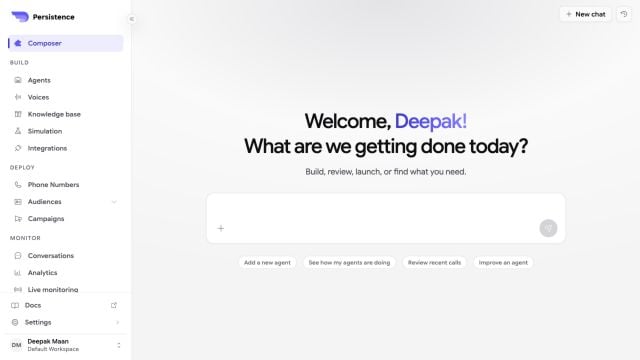
Composer provides one place to start a build, review agents, inspect calls, or improve an existing workflow.
Start a build
1
Describe the outcome
State the caller, call direction, goal, information the agent needs, actions it may take, and when it should transfer or end the call.
2
Add context
Attach an existing agent, knowledge base, or document when Composer should use that resource. You can also mention an agent or knowledge base in the message.
3
Review the proposal
Confirm important choices such as structure, voice, and capabilities. Treat generated configuration as a draft that still needs review.
4
Test and publish
Talk to the generated agent, inspect it in the builder, correct any unsupported assumption, and publish only after simulated calls pass.